TV unit design for the living room: size, height, storage and wiring
The TV wall is often the largest piece of joinery in a living room. How to size it, what height the screen should sit at, how much storage it needs and how to hide the wires for good.
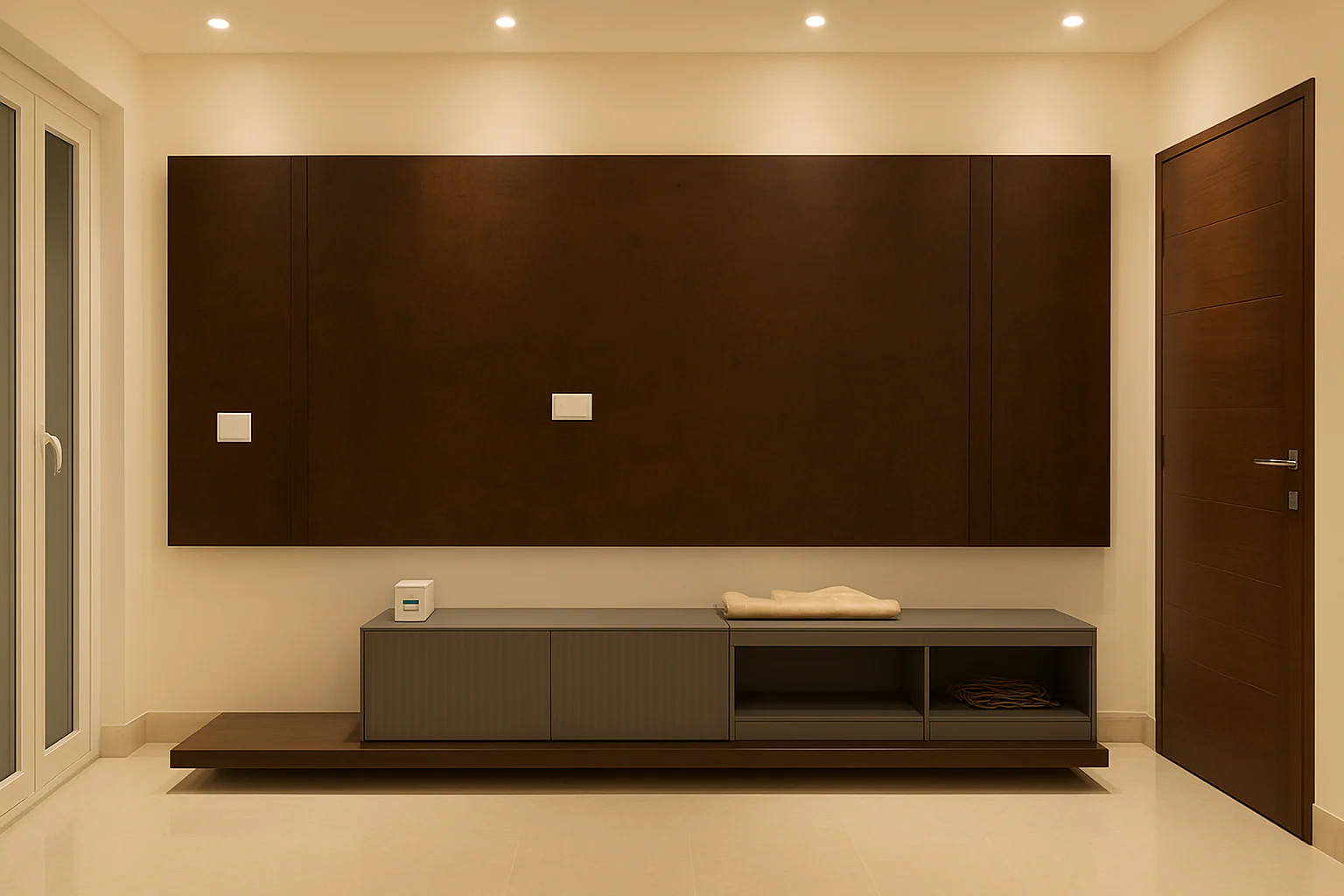
In most living rooms, the TV wall is the first thing you see and the piece of joinery you use every day. A good TV unit makes the room feel calm: the screen sits at a comfortable height, the wires disappear, and there is a place for everything that collects around it.
The short answer: decide the screen size and seating position first, set the screen centre roughly at seated eye level, plan the wiring before the wall is finished, and keep the unit simpler than you think you need.
Start with the seating, not the wall
Where you sit decides everything else. Measure from the main sofa to the TV wall. Screen makers publish recommended viewing distances for each screen size; check the guidance for the model you have or plan to buy, and size the unit around that screen, with some margin for a larger screen later.
The right height
A common mistake is mounting the screen too high, which strains the neck over a long film.
- Aim for the centre of the screen to sit close to the eye level of a seated adult on your sofa.
- Measure that eye height on your own sofa: seat heights vary.
- In bedrooms, where you watch from bed, the screen can sit a little higher.
Wall-mounted, floor-standing or full wall
| Type | What it is | Works well when |
|---|---|---|
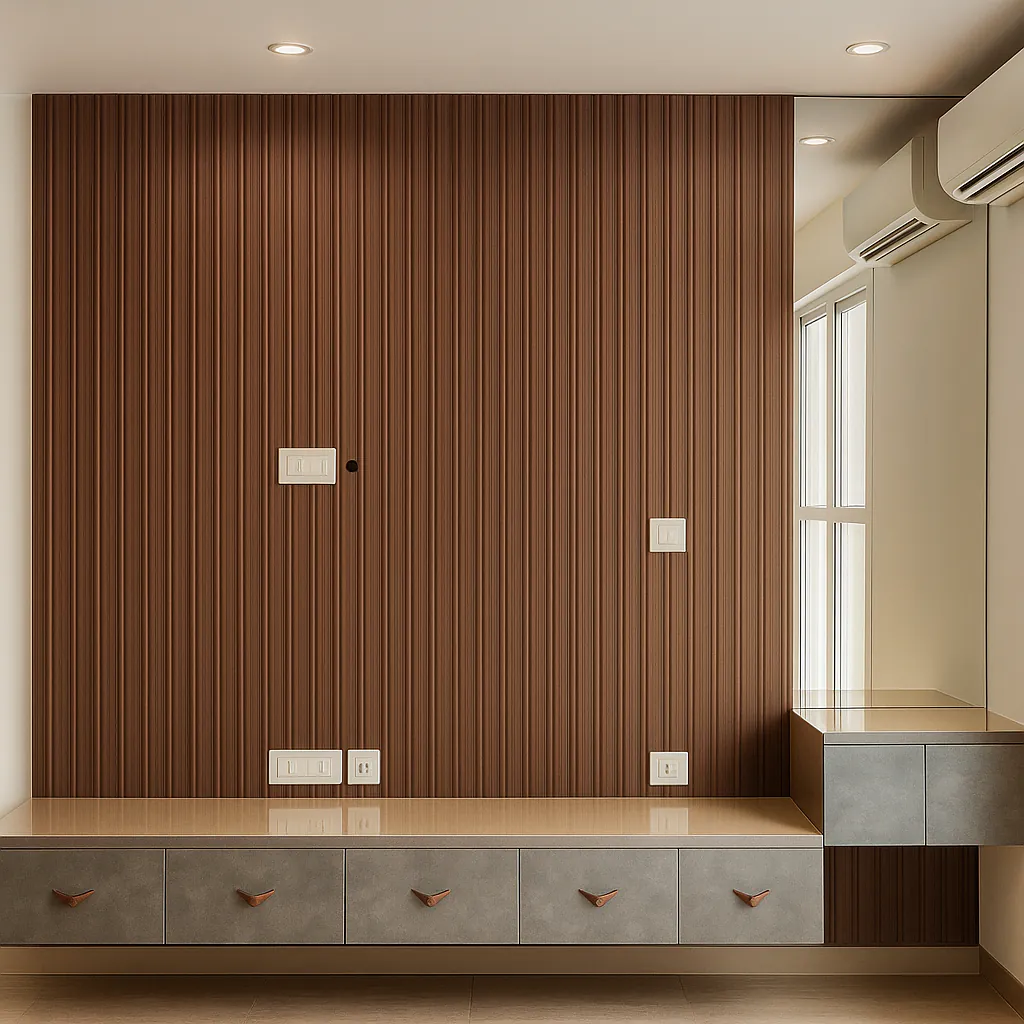
| Wall-mounted console | A floating ledge or drawers under a wall-mounted screen | Smaller rooms; easy floor cleaning |
| Low floor unit | A long, low cabinet the screen sits on or above | You need plenty of closed storage |
| Full-wall unit | Panelling and storage across the whole wall, with the screen set in | You want the TV to blend into a designed wall |
A floating unit makes a small room feel larger because you can see the floor underneath it. A full-wall unit gives the most storage but needs careful design so it doesn't overpower the room.
Storage: what actually lives there
List what the unit has to hold before choosing its size:
- set-top box, router, speaker or soundbar, gaming console
- remotes, chargers, manuals
- books, photo albums, display pieces
Closed drawers keep the wall calm. Keep open shelves for a few chosen objects. Electronic devices need ventilation and a way for remote signals to reach them, such as a slatted or cane front, or a gap.
Hiding the wires
Plan wiring before the wall is plastered or panelled:
- A power point and data point behind the screen position.
- A conduit (pipe) inside the wall from behind the screen down to the cabinet, wide enough for an HDMI cable and spare.
- Sockets inside or behind the cabinet for the devices that sit there.
- A small access panel or removable back, so you can add or change a cable later.
Materials and finishes
The TV wall faces the main seating, so finish quality shows. Popular choices include wood veneer for warmth, fluted panels for texture, and matt laminates in deeper tones that reduce reflections on and around the screen. Avoid high-gloss finishes directly beside the screen, where they can mirror lights and windows.
Lighting the TV wall
A soft light behind or around the screen reduces the contrast between a bright screen and a dark room, which many people find more comfortable for evening viewing. Keep spotlights from shining directly onto the screen.
Questions to ask your designer
- Where will the screen centre sit, and at what height from the floor?
- Where do the power and data points go, and is there a conduit to the cabinet?
- How are set-top boxes and routers ventilated and reached by the remote?
- Can the wall take a larger screen later?
- What finish is proposed, and will it reflect light onto the screen?
In short
Plan the TV wall from the sofa outwards: seating distance, screen height, wiring, then storage and finish. For texture ideas, see our guide to fluted panels and wall cladding.
More finished rooms and work in progress on Instagram: @think__woodspace (opens in a new tab)